FIRMWARE, CONTROLS & SOUND

Define feature behavior and sound within the platform boundary.

Review prompts, controls, supported feature logic, EQ and acoustic-tuning scope before committing to software or validation work.

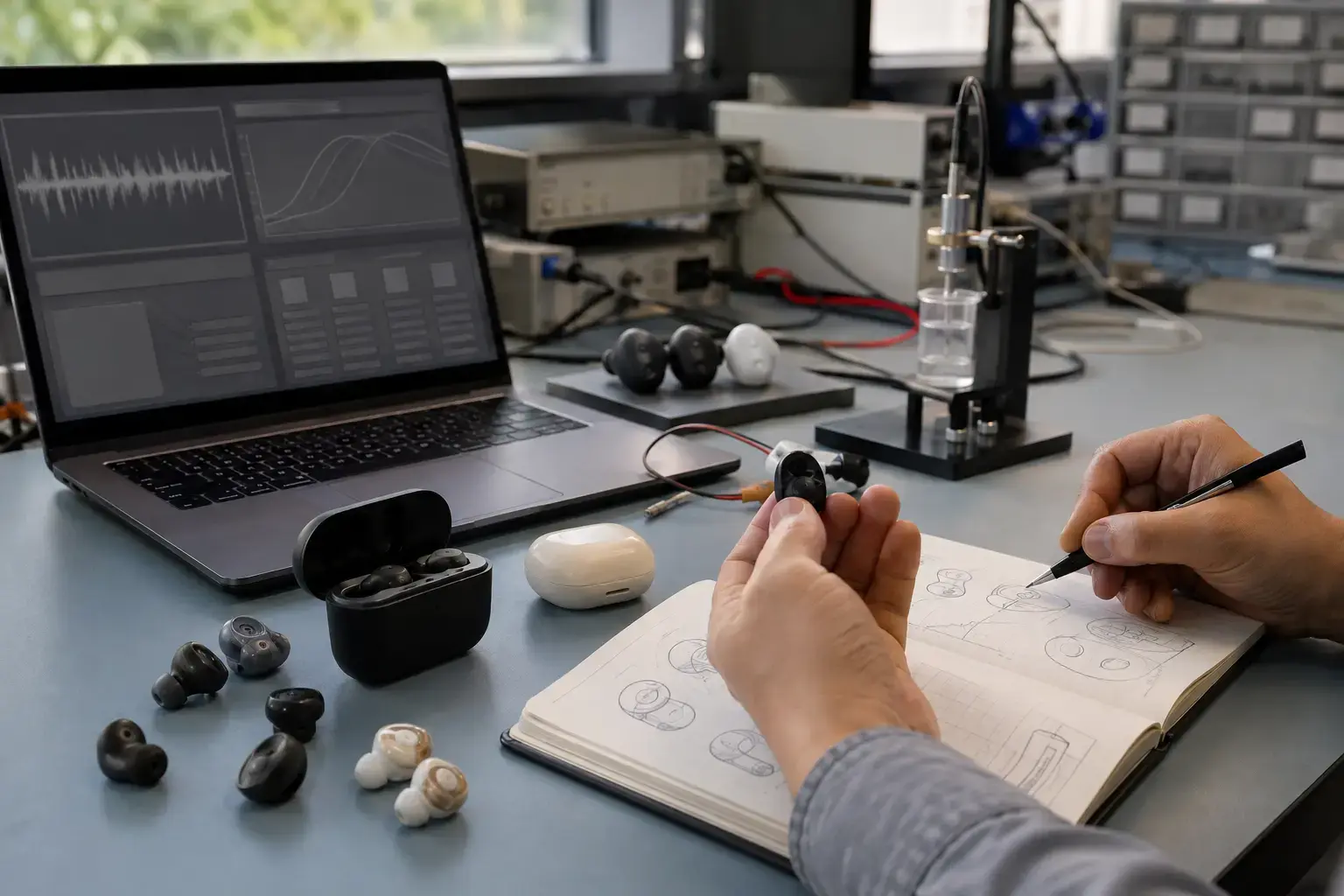
Generic wireless earbud engineering samples reviewed with unlabeled control and acoustic response displays
PROJECT DEFINITION

Confirm the scope on the shortlisted platform.

Firmware and acoustic changes are not visual options. They can affect user flow, Bluetooth behavior, power states, test coverage and the approved product configuration. The first step is to identify what the shortlisted model already supports.

PROJECT RULEAvailability, method, minimum quantity and validation scope are confirmed against the selected model and approved configuration.
WHAT GETS DEFINED

Turn the request into approval items.

Each workstream needs an input, an agreed method and an approval reference.

01

Voice prompts

Confirm supported language files, prompt events, volume and approval method

OUTPUTControlled prompt list and sample firmware

02

Controls

Map touch or button actions for playback, calls and supported features

OUTPUTApproved control table
03

Feature behavior

Review platform-supported pairing, mode and power-state logic

OUTPUTControlled function definition
04

EQ & acoustics

Define reference sound, supported EQ or tuning work and approval criteria

OUTPUTTuning candidate and agreed review method
BUYER DECISIONS

Decisions that change the quote or sample route.

Provide what is known and mark open items. The supplier can then separate available options from development work.

01Must-have controls and feature behavior02Required prompt languages and supplied audio files03App, OTA or connected-feature expectations04Reference product or preferred sound direction05User and listening application06Markets, schedule and available validation time
APPROVAL ROUTE

Move from requirement to an approved reference.

  1. 1Screen platform support
  2. 2Freeze behavior list
  3. 3Prepare sample build
  4. 4Review functions
  5. 5Review sound candidate
  6. 6Lock version and checks
PLATFORM CUSTOMIZATION

Usually reviewed on an existing model.

  • Existing platform prompts and control mapping
  • Supported feature configuration
  • Available EQ presets or platform tuning options
  • Configured firmware and function check
DEVELOPMENT TRIGGER

Requires additional technical review.

  • New control logic or unsupported feature behavior
  • App, OTA or new connected workflow
  • New acoustic architecture, driver or cavity
  • Additional compatibility, performance or regression validation
RFQ INPUTS

Send the files that qualify this scope.

Files may be preliminary for model screening. Production-ready artwork and final market information are required before approval.

Request this customization review
01Function and control requirement02Prompt language and audio files03Reference product or sound target04App or OTA requirement05Must-have compatibility scope06Forecast, markets and launch date